BeamSketch: a free LightBurn alternative in your browser
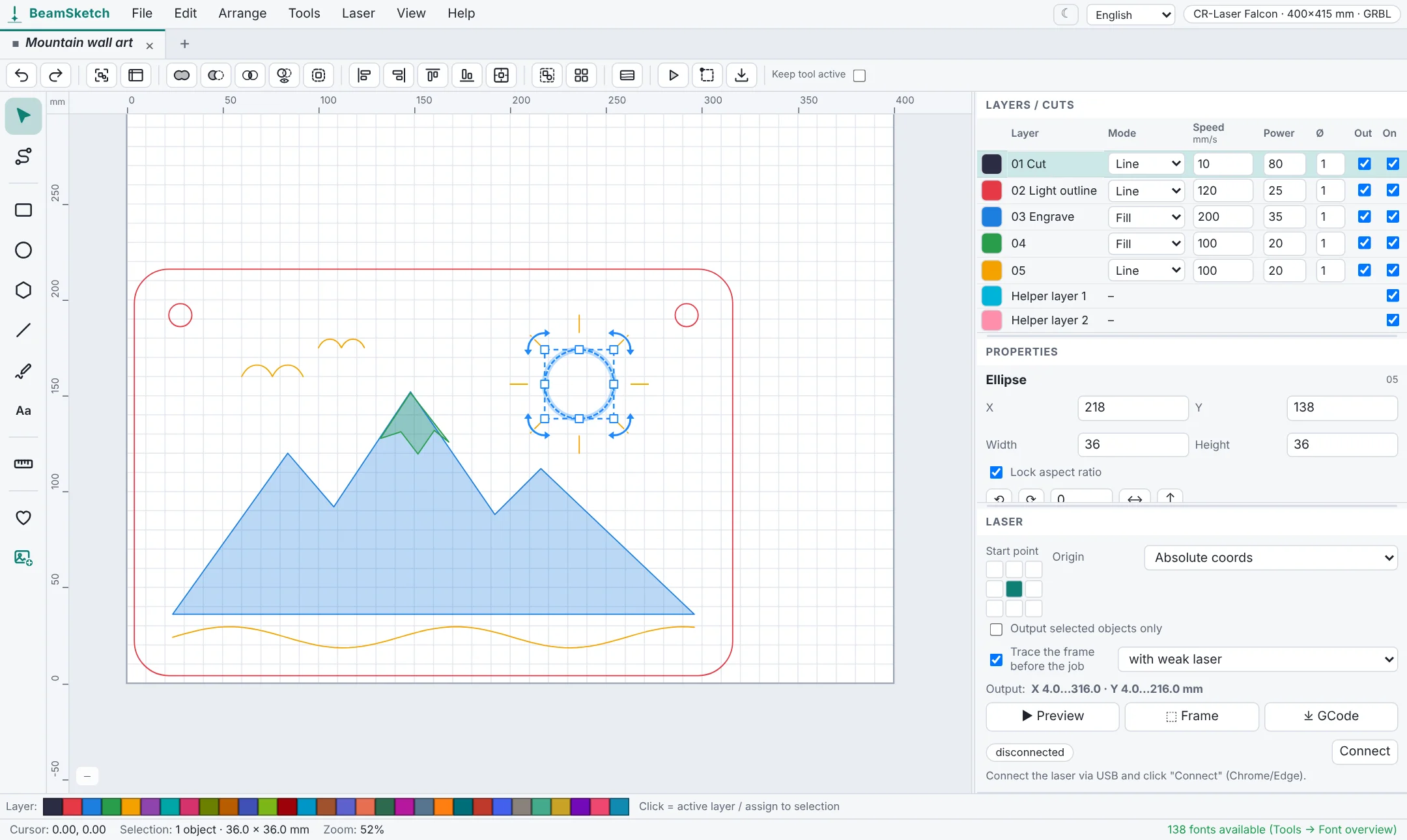
LightBurn is the go-to laser software for many people – but it's paid and has to be installed. BeamSketch is free, open source and runs right in your browser. For diode lasers with GRBL controllers it covers a lot of what you need day to day. Here's an honest look at where it fits and where it doesn't.
Who BeamSketch is for
BeamSketch is made for anyone with a diode laser running GRBL – for example from Creality, Sculpfun, Atomstack, Ortur, TwoTrees, NEJE or xTool D1 – who wants to get started without license costs. Open the page, pick your laser and start drawing. Nothing to install, no sign-up needed.
Comparison at a glance
| BeamSketch | LightBurn | |
|---|---|---|
| Price | free | paid license, trial available |
| Installation | none, runs in the browser | desktop app for Windows, macOS, Linux |
| Laser controllers | GRBL (almost all diode lasers), GCode export | GRBL, Ruida, Trocen and more |
| LightBurn projects (.lbrn, .lbrn2) | opens them, including cut settings | yes |
| Layers with cut settings | yes (line, fill, offset fill, passes, kerf, tabs) | yes |
| Image engraving with dithering | yes, with live preview | yes |
| Generators | finger-joint box, living hinge, QR code, material test | partly |
| Camera alignment | no | yes |
| Rotary | no | yes |
| Open source | yes (AGPL-3.0) | no |
Switching: open your LightBurn projects
With File → Open, BeamSketch reads LightBurn projects (.lbrn and .lbrn2): paths, groups, rectangles, ellipses, images, text outlines and the cut settings of the layers. So you can keep working with your existing files. SVG, DXF and images work too.
What BeamSketch can't do (yet)
- CO₂ lasers with Ruida or Trocen controllers aren't supported – BeamSketch generates GCode for GRBL.
- No camera alignment and no rotary.
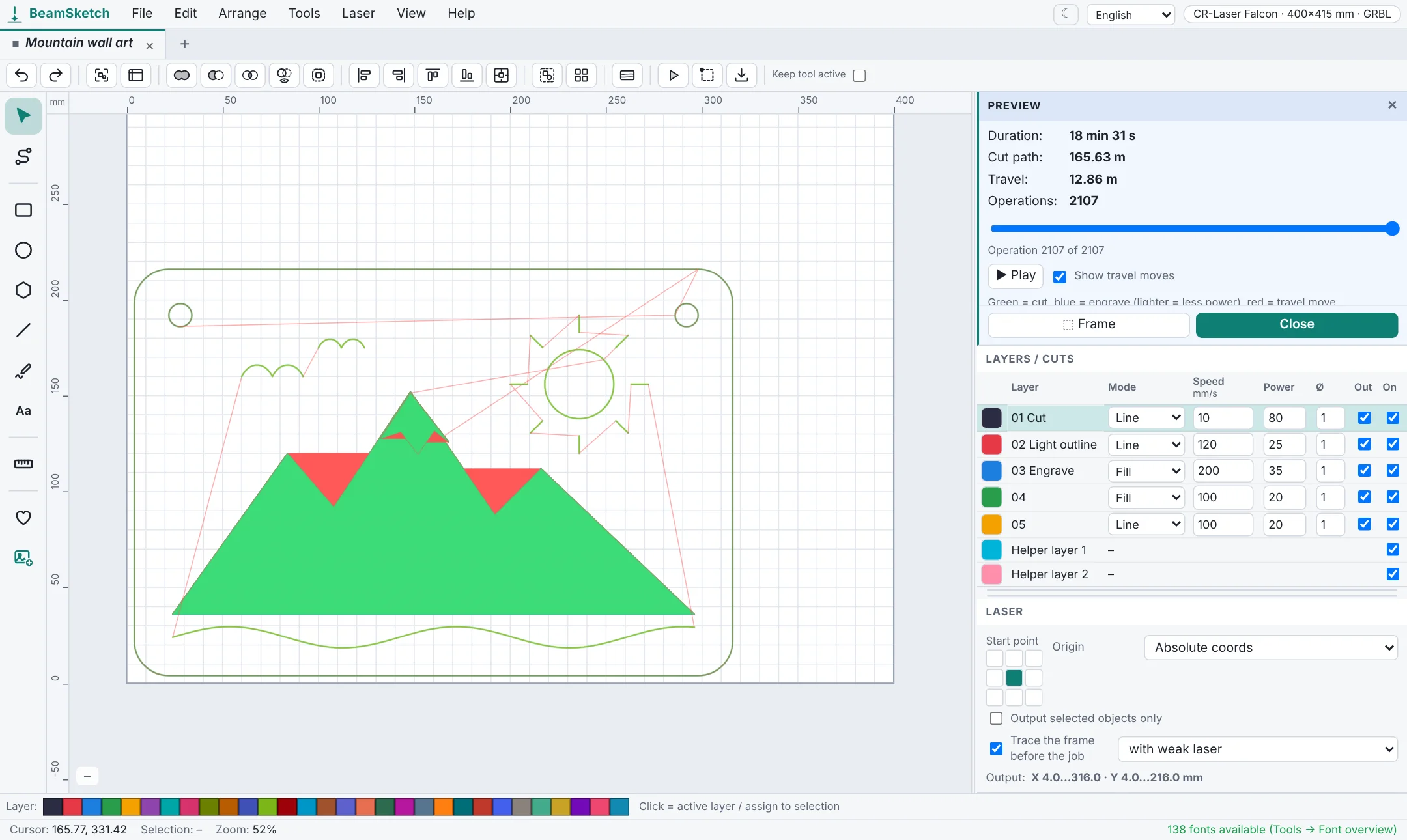
- The USB connection to the laser works in Chrome, Edge or Opera on a computer. In Firefox and Safari you save the GCode as a file and transfer it another way.
If you need those features, LightBurn is the better choice. For drawing, cutting and engraving with a diode laser, BeamSketch is plenty for many people – and since it's open source, anyone can help improve it on GitHub.
How to try it
- Open beamsketch.com/app in Chrome or Edge.
- The setup assistant asks for your laser – the work area and limits are set automatically.
- Open a LightBurn file or draw something, check the preview, run the frame and start.
LightBurn is a trademark of LightBurn Software. BeamSketch is an independent project and not affiliated with it.