AI designs for your laser: describe instead of draw
Got an idea but no matching template? Describe the design in a sentence – the AI draws it, and BeamSketch automatically turns it into lines your laser can cut or engrave.
Two AI tools
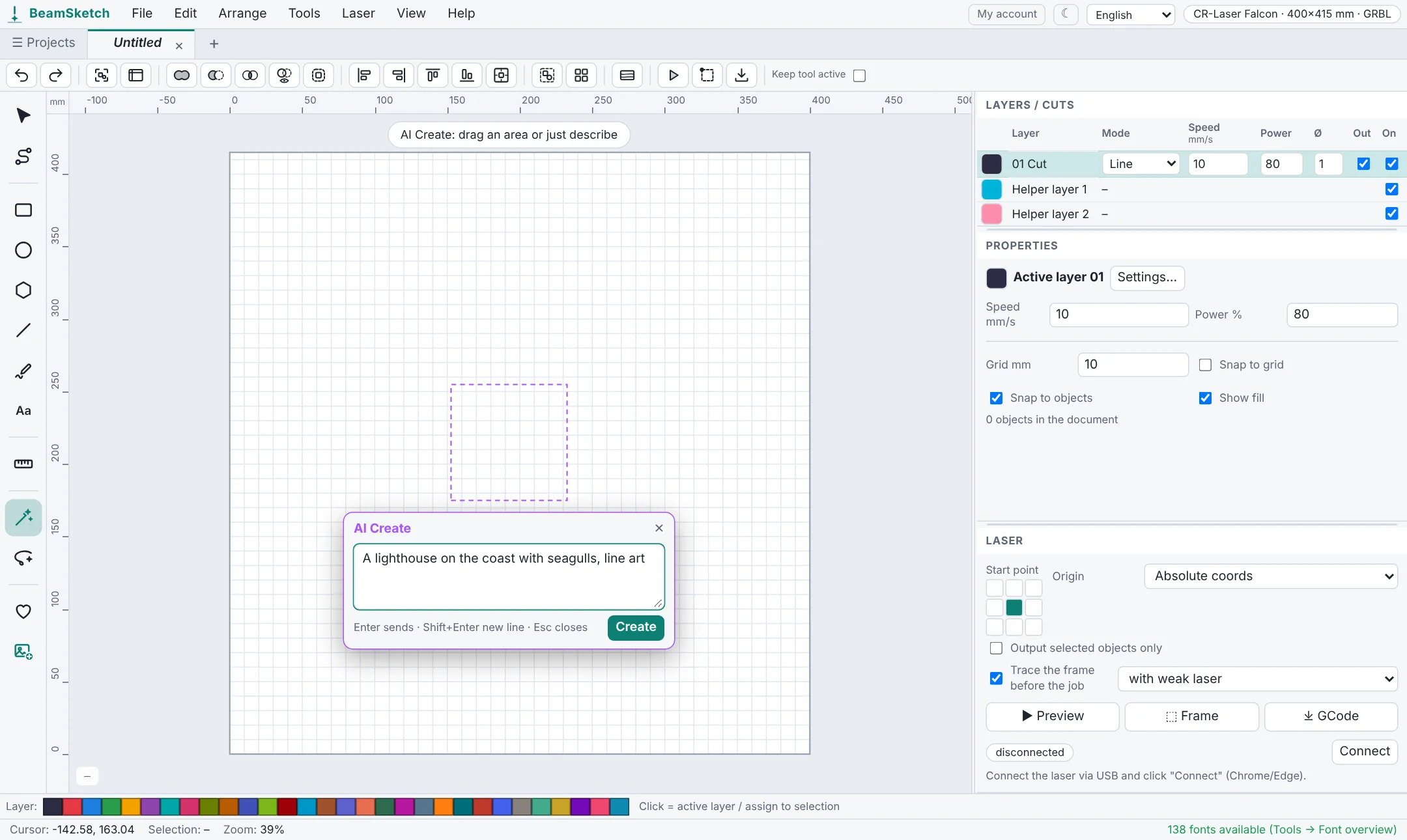
- AI Create makes a new design from your description, e.g. “A lighthouse on the coast with seagulls, line art”. The result is traced and inserted as vectors into the chosen area.
- AI Lasso changes existing objects: circle them with the lasso and describe the change, e.g. “turn this into a fox” or “add flowers”.
What you need
- A free BeamSketch account with a confirmed email address.
- Your own OpenAI API key (at platform.openai.com) with some credit. OpenAI bills the costs directly to you – usually a few cents per image. It's a good idea to set a spending limit there.
- Enter the key in BeamSketch under Tools → AI settings. It is only stored in your browser and passed on to OpenAI through our server for each request, without being stored there.
Tips for good designs
- Name a style: “line art”, “silhouette”, “comic style” or “woodcut” give clean lines that laser well.
- Keep it simple: one clear subject comes out cleaner than a busy scene full of small details.
- Drag an area first: the AI then matches its aspect ratio.
- Edit the result: it's made of regular shapes – delete parts, add text or fine-tune everything with the node tool.
Every request is checked automatically first; designs that break the usage rules (e.g. violence, sexual content or other companies' logos) are rejected. Everything else in BeamSketch works without AI and without an account.
Start now – no sign-up
Free, runs right in your browser.