Script fonts for laser engraving: names, signs and wedding decor
A name in elegant script turns a piece of wood into a gift – as a door sign, cake topper or wedding decoration. BeamSketch comes with 138 fonts, 92 of them script fonts with connected letters.
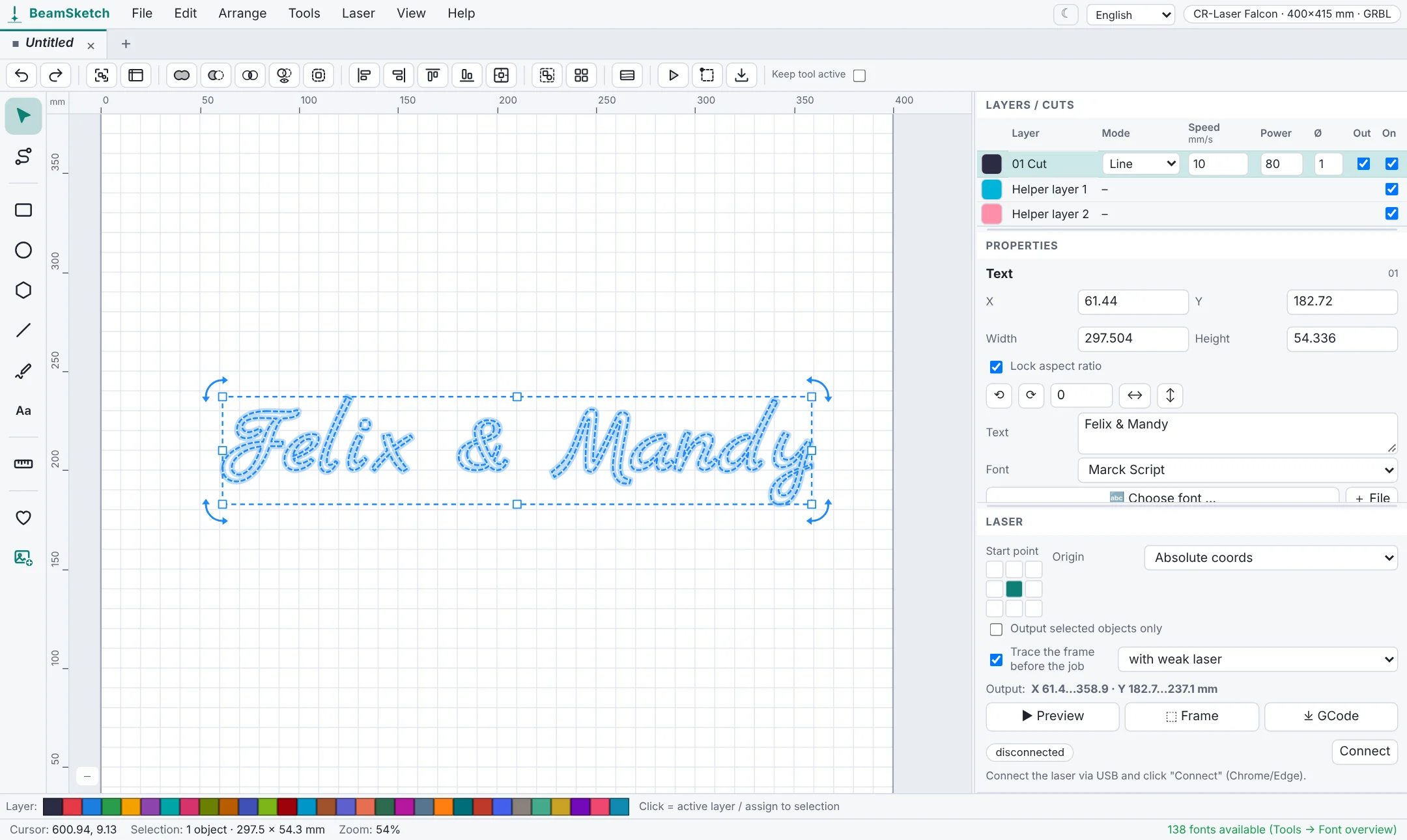
How to add lettering
- Open BeamSketch, pick the Text tool (T) and click on the canvas.
- Type your text into the text field on the right and choose a script font under Font.
- Tools → Font overview shows all fonts at a glance – one click applies a font.
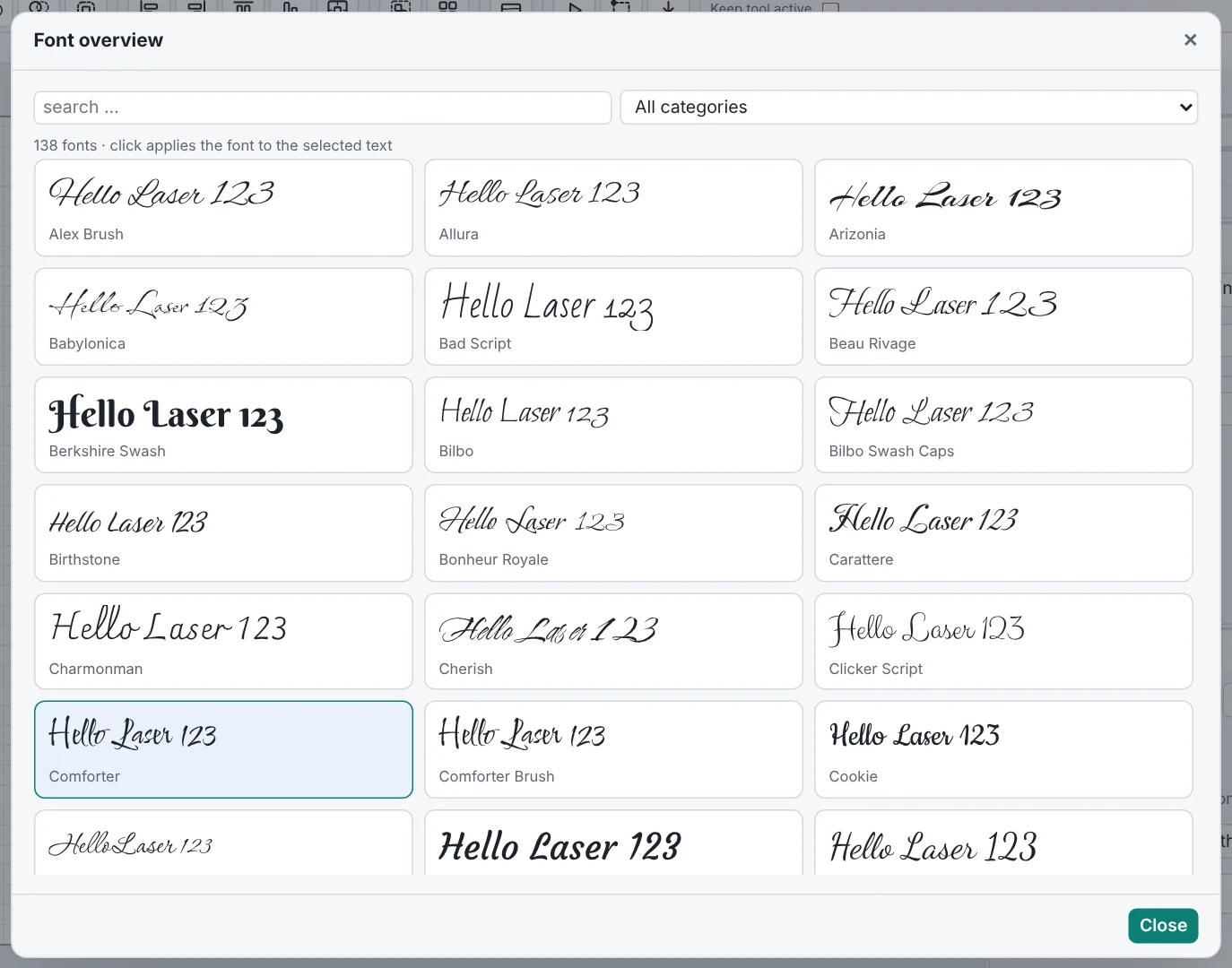
For a clean cut
- Keep letter spacing at 0: in script fonts the letters overlap slightly so they look connected.
- Weld: if you want to cut out the lettering, “Weld” merges the overlapping letters into a single outline. Otherwise the laser cuts every overlap separately and pieces fall out. After welding, the text becomes a path.
- For engraving, set the layer to “Fill” – the lettering is then engraved as a solid area instead of cut.
- Not too thin: very fine fonts break easily when cut out. For cut-out names, choose bolder fonts and at least 4–5 cm height.
More fonts
Besides the bundled fonts you can use any font installed on your computer or load your own .ttf and .otf files. The bundled fonts are under free licenses and can also be used for products you sell.
Start now – no sign-up
Free, runs right in your browser.