Free software for GRBL lasers – right in your browser
Most diode lasers have a GRBL controller: they understand GCode, no matter who made them. BeamSketch creates that GCode and sends it to the laser via USB – free, with nothing to install, on Windows, macOS, Linux and ChromeOS.
Which lasers work?
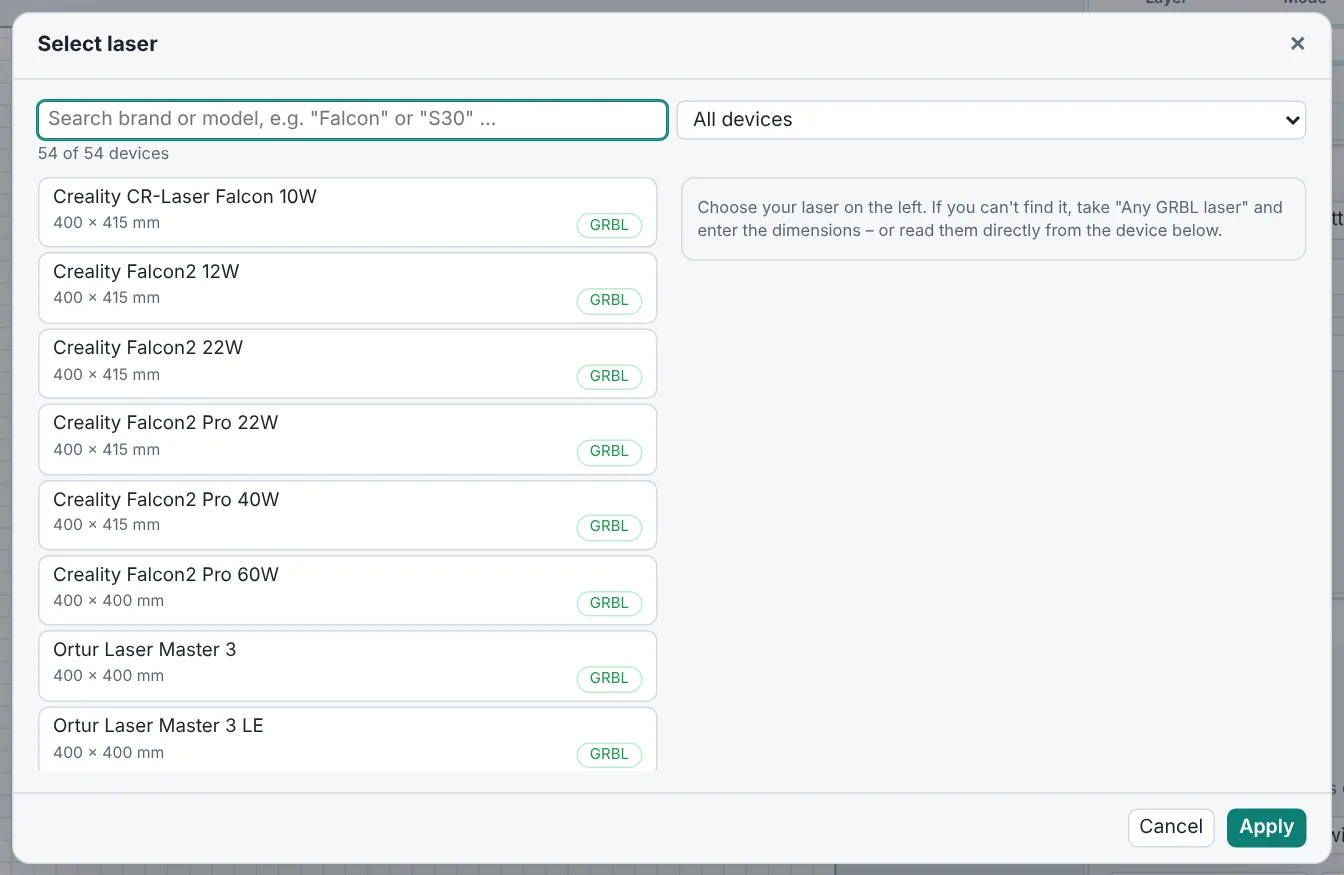
All lasers running GRBL, GRBL-LPC or grblHAL – that's almost every diode laser. The device list has 54 models with work area and controller, including xTool (D1, D1 Pro), Sculpfun, Creality (Falcon), Atomstack, Ortur, Snapmaker, TwoTrees, NEJE, Longer, AlgoLaser, Mecpow, Wainlux and Comgrow. If your model is missing, choose “Any GRBL laser” and enter the dimensions.
| Controller | Status |
|---|---|
| GRBL, GRBL-LPC, grblHAL | save GCode and send directly via USB |
| Smoothieware (K40 conversions) | GCode works |
| Marlin (3D printer with laser module) | limited, adjust the start GCode |
| Ruida, Glowforge, xTool F1/M1/P2, LaserPecker | no GCode – drawing and SVG export work |
Read the values straight from the controller
Even more precise than the device list: in the setup assistant, “Read values from the laser (USB)” reads the real settings from the GRBL controller – work area ($130, $131), power range ($30), maximum speed ($110) and whether limit switches are present ($22).
What you can do with BeamSketch
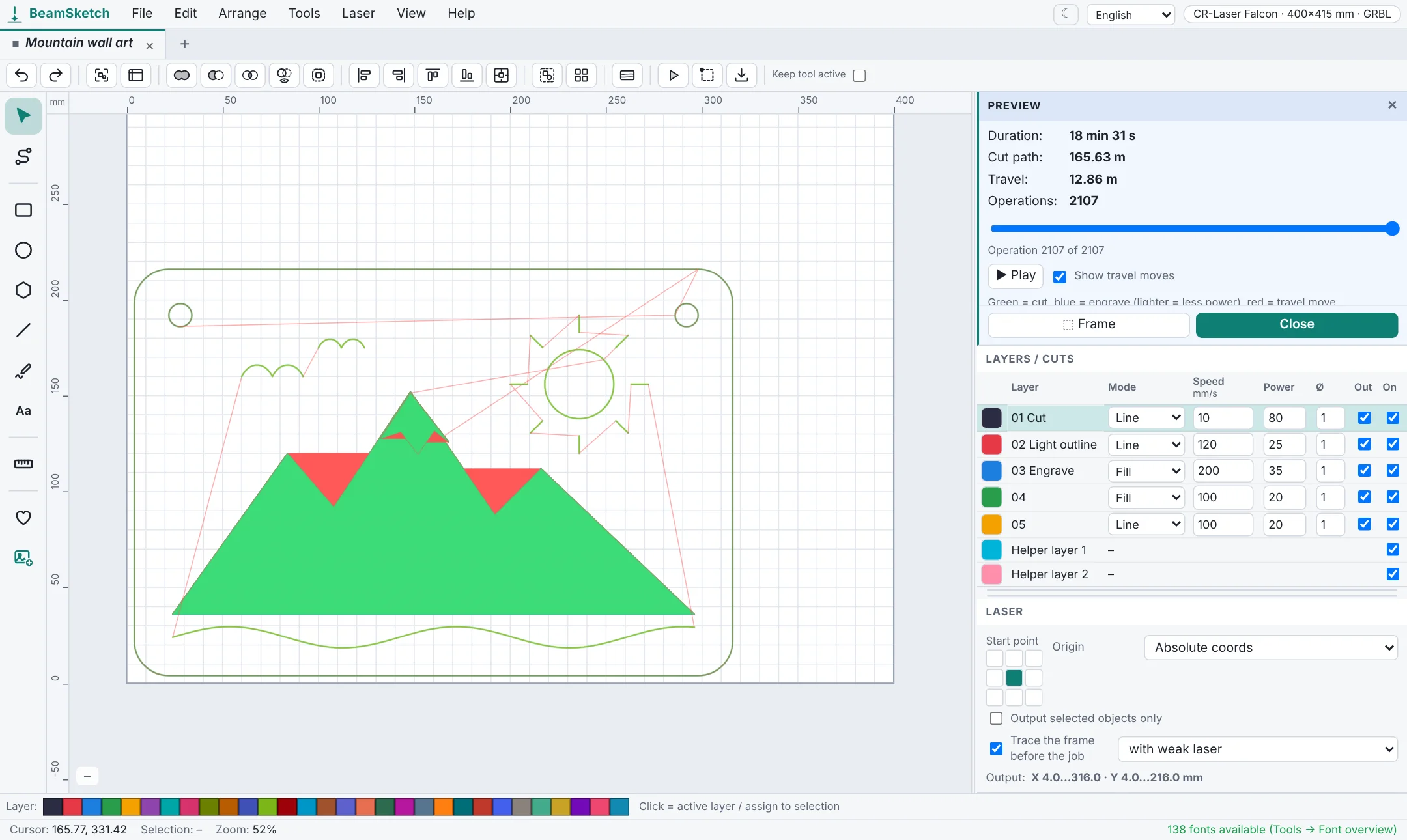
- Draw, add text with 138 fonts, open SVG, DXF, LightBurn projects and images
- Layers with speed, power, passes, fill or cut
- Image engraving with dithering and live preview
- Toolpath preview with run time, framing, sending via USB with console and emergency stop
BeamSketch or LaserGRBL?
LaserGRBL is free and popular too, but it only runs on Windows and is mainly made for sending files and engraving images. BeamSketch runs in the browser on any operating system and comes with a full design editor with layers, text and generators. The USB connection works in Chrome, Edge or Opera; in other browsers you save the GCode as a file.
For a step-by-step setup with a specific laser, see for example the guide for the Creality Falcon.