Press kit
Everything you need to write about BeamSketch: descriptions to copy, facts, logo and screenshots. For questions, review access or interviews, write to us at support@beamsketch.com.
In one sentence
BeamSketch is laser engraving software that runs right in the browser: design, engrave and send to your laser via USB – nothing to install.
Short description
BeamSketch is an online editor for GRBL diode lasers, such as those from Creality, Sculpfun, Atomstack or Ortur. Users design signs, gifts and parts from shapes, text and images and send the job via USB straight from Chrome or Edge to the laser – or save it as a GCode file for the SD card. There is nothing to install: BeamSketch runs on Windows, macOS, Linux and Chromebooks.
Long description
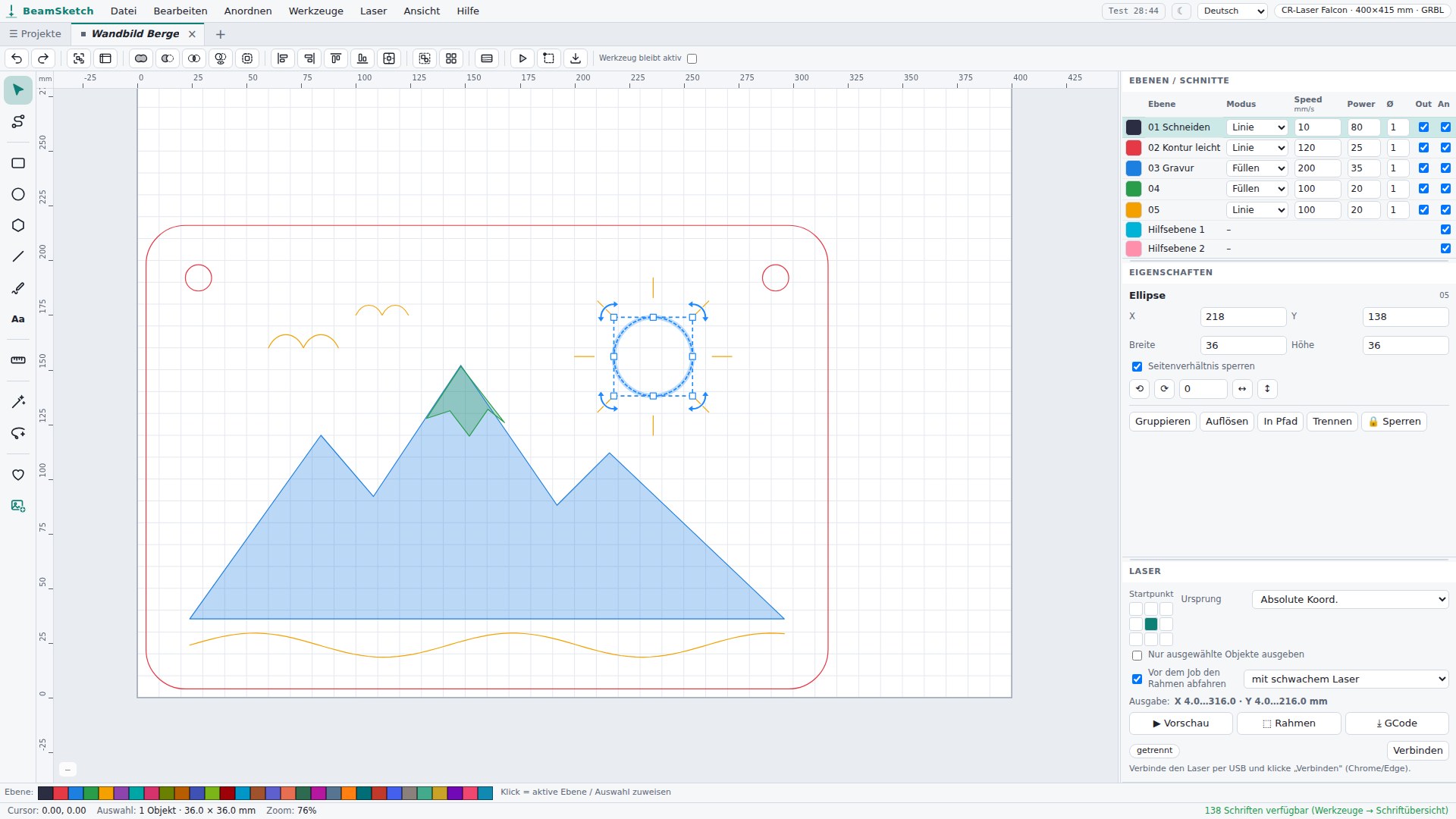
BeamSketch is laser engraving software that runs entirely in the browser. It is made for owners of GRBL diode lasers – hobby makers, Etsy sellers, makerspaces and schools. Instead of installing a program, you open beamsketch.com, pick your laser from a list and get started: draw shapes, set text in more than 130 fonts, engrave photos, generate finger-joint boxes and open LightBurn projects. With the AI tools AI Create and AI Lasso, a single sentence becomes an engravable design. The finished job goes via USB straight from Chrome or Edge to the laser or is saved as a GCode file. Projects and custom symbols are stored in the user's account and are available on any computer. BeamSketch is available in 13 languages and is developed by Felix Stopa in Remscheid, Germany.
Facts
- Name
- BeamSketch
- Website
- beamsketch.com
- Art
- Laser engraving software in the browser (web app), free, even without signing up; editor open source (AGPL-3.0)
- Price
- free with no time limit · AI tools with your own OpenAI API key
- Platforms
- Windows, macOS, Linux, ChromeOS – in any current browser; USB connection to the laser in Chrome and Edge
- Lasers
- GRBL diode lasers, more than 50 models in the device list (including Creality, Sculpfun, Atomstack, Ortur, TwoTrees, NEJE, Longer, xTool D1, Snapmaker Ray)
- Languages
- 13 (including English, German, Spanish, French, Japanese, Chinese)
- Developer
- Felix Stopa, Remscheid (Germany)
- Launch
- 2026
- Contact
- support@beamsketch.com
- Community
- Discord
Features
- Draw and edit: shapes, paths, nodes, alignment; combine shapes with a live preview
- Text in more than 130 fonts, symbol library and custom symbols
- Engrave photos and graphics, generate finger-joint boxes
- AI tools: AI Create (design from a sentence) and AI Lasso (change a selection by text)
- Layers with speed, power and passes, material library, preview of the laser paths
- Send to the laser via USB or save GCode; open SVG, DXF and LightBurn projects
- Projects in the account with previews and undo history, several projects open in tabs
Logo

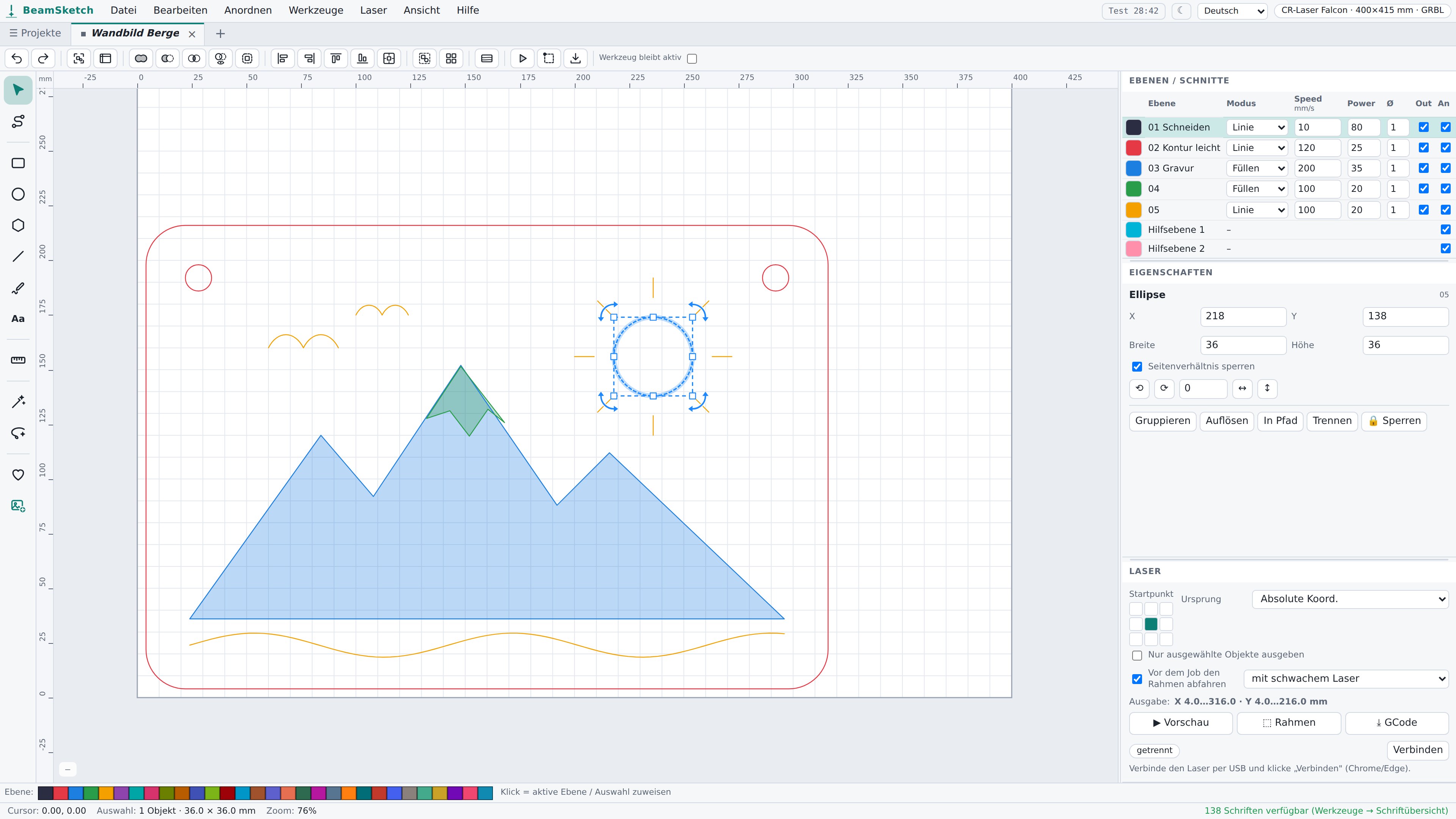
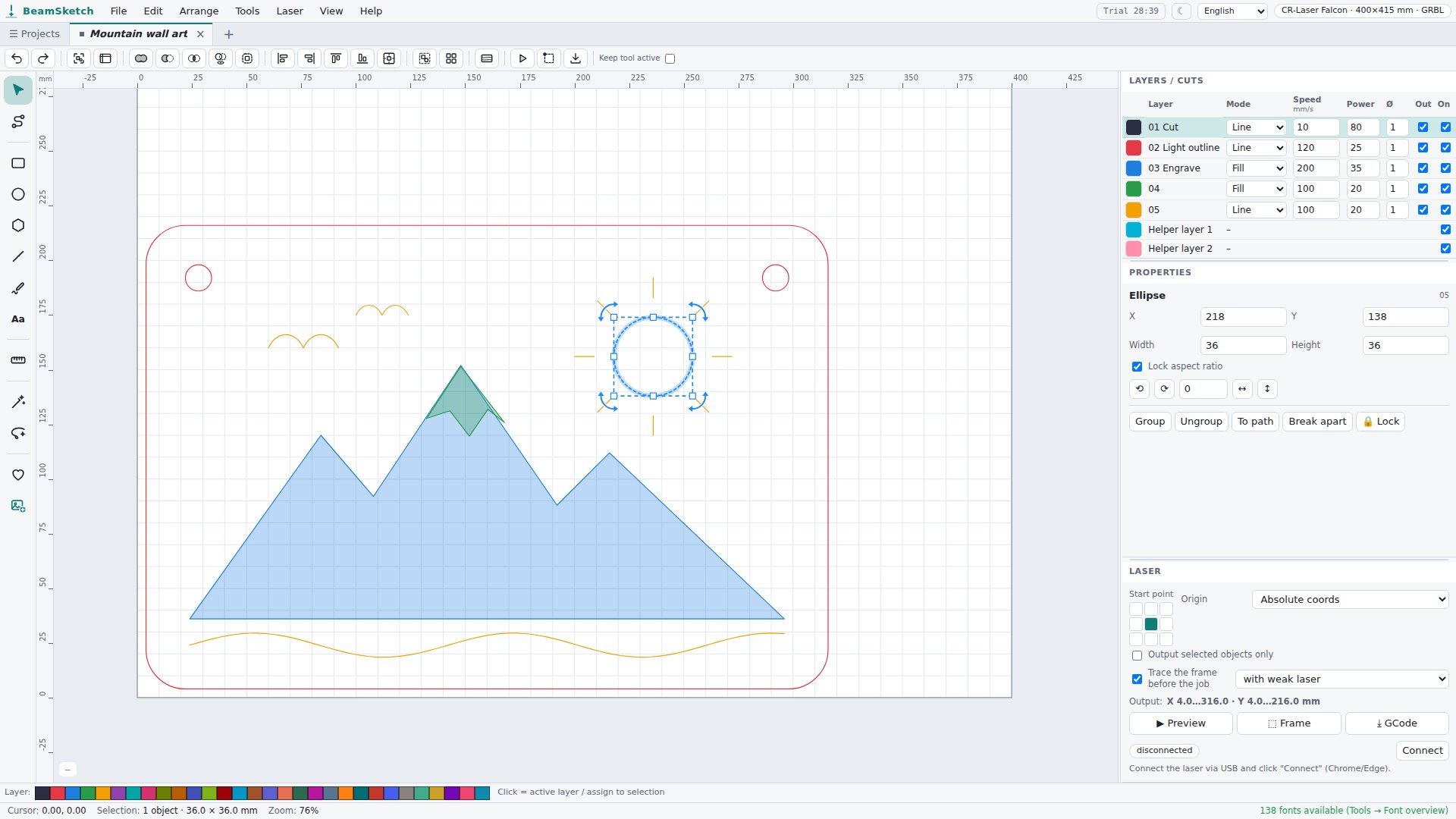
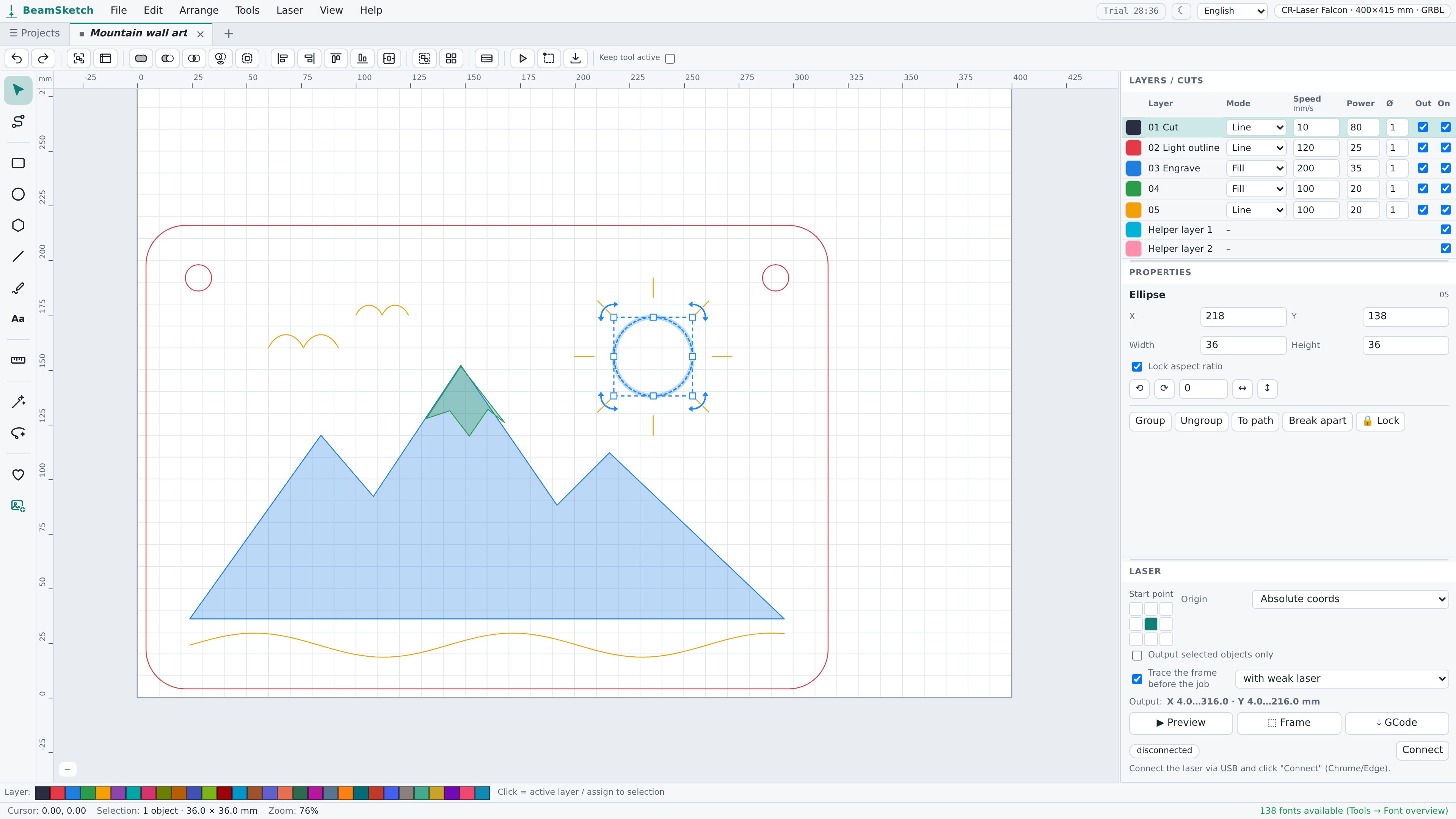
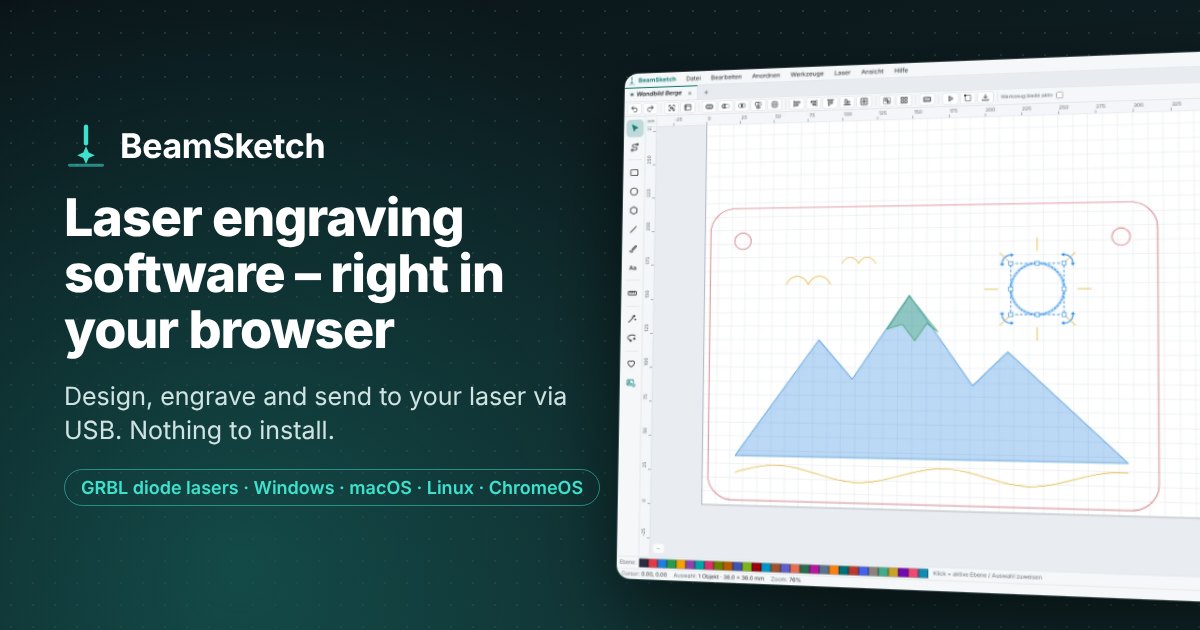
Screenshots and preview images
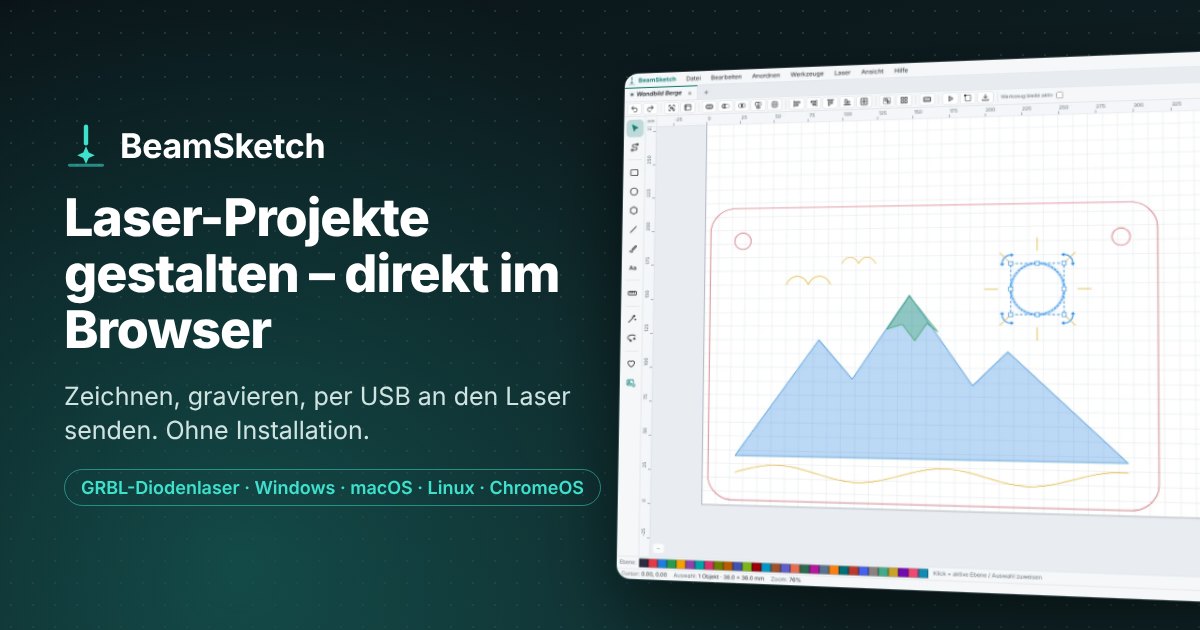
Usage
The logo and images may be used freely for articles, reviews and presentations of BeamSketch. Please do not modify, distort or recolor the logo. Trademarks of other manufacturers mentioned (e.g. LightBurn, Creality, xTool) belong to their respective owners; BeamSketch is not affiliated with them.